Flexible pricing. Start free.

Choose the perfect plan for your team. Take a free 30 day trial or book a demo to see how Teamwork.com can boost your client work.

Free

Perfect for small teams getting started.

&0
Free forever
Get Started

No credit card required

Free plan includes:

TeamworkAI

Project Management Essentials

Client Work Foundations

Everything to get your client work in order, including built-in Time Tracking

Key Integrations

Slack, Zapier, MS Teams

Up to 5 Projects

Up to 5 Users

100 Automations (actions per month)

See all features
Deliver

More robust project management.

&10 .99
/user/month
billed yearly
30 day free trial
Get Started

No credit card required

Everything in Free plus:

TeamworkAI

Project Status & Health Reports

Teams

Intake Forms

Planned vs Actual Reports

Integrations

Quickbooks, Harvest and many others

20 Project Templates

5,000 Automations (actions per month)

100 GB Storage

See all features
Scale

Make your client work more productive and profitable.

Let's talk
30 day free trial
Book a demo

No credit card required

Everything in Grow plus:

TeamworkAI

Unlimited Premium Features

Unlimited Projects, Templates, Custom Fields & Budget

Profitability Reports

Resource Scheduling

Custom & Scheduled Reporting

Retainer Management (beta)

Reallocate your budget's surplus or deficits for balanced spending

Budget Expenses & Tasklist Budget

100,000 Automations (actions per month)

500 GB Storage

See all features
Enterprise

Enterprise grade features and advanced services.

Let's talk
Book a demo

No credit card required

Everything in Scale plus:

TeamworkAI

Advanced Security addon including SSO functionality

Premium Support addon

Dedicated Infrastructure

Increased API limit

1000 GB Storage

Dedicated Account Manager

Up to 10 Hours Tech Services

See all features

Compare pricing plans

Free
&0

per user/month

billed yearly

Get started
Deliver
&10.99

per user/month

billed yearly

Get started
Grow
&19.99

per user/month

billed yearly

Get started
Scale
Let’s talk

Contact us today

Book a demo
Enterprise
Let’s talk
Contact us today
Book a demo
Client work essentials
Time tracking
Timesheets
Personal timesheet to log time in bulk
Company timesheets
Oversee all your team's time logs in a weekly view
Time reminders
Set up automated time logging reminders
Timesheet approvals
Billable time tracking
Estimated time management
User rates
Retrospective user rates
Backdate team member’s incorrect project-level billable rates
Clients view
Client level insights in one place
Client company management
Client users
Unlimited
Unlimited
Unlimited
Unlimited
Proofs - active per month
5
20
50
Unlimited
Unlimited
Multi-currency
Assign different currencies to clients and staff
Project budgets - Time
1
5
Unlimited
Unlimited
Unlimited
Project budgets - Financial
1
3
30
Unlimited
Unlimited
Project budgets - Fixed fee
1
3
10
Unlimited
Unlimited
Project budget expenses
Task list budgets
5
Unlimited
Unlimited
Retainer management
Reallocate your budget's surplus' or deficits for balanced spending
2
Unlimited
Unlimited
Invoices
Workload capacity
See who’s booked-up and who’s not at a glance.
Limited
Limited
Resource scheduling
Advanced
Advanced
Google and Outlook Calendar event sync
Plan resources alongside external calendar events to understand true resource availability.
Time off management
Bulk apply public and custom holidays
Tentative Projects
2
Unlimited
Unlimited
Placeholders
Unnamed resources to plan work at a high-level
Project views: List, Table, Boards, Gantt
Task essentials: Sub-tasks, tags, dependencies
Task list templates
Unlimited
Unlimited
Unlimited
Unlimited
Unlimited
Project templates
2
20
50
Unlimited
Unlimited
Custom fields
2
3
Unlimited
Unlimited
Unlimited
Formula fields
Perform calculations on Custom fields in your Custom reports
Intake forms
If/then conditional logic
If/and/or/then conditional logic
Automations (actions per month)
100
5,000
20,000
100,000
100,000
Dashboards
Teams & Roles management
Role based rates
Skills
Collaborative doc management (Spaces)*
Coming soon
Inbox and notifications
Integrated team chat
Collaborators
My Calendar
Get the full picture of your day—including tasks and Google Calendar events—in a single view.
View My Calendar
Create time blocks + connect to Google Calendar
Log time against time blocks + edit Google events
All of the above
All of the above
Dashboards
Project status reports
Portfolio health report
Planned vs. Actual reports
Progress and Time reports
Task completion per user, Estimated vs logged time per task, Logged time per project, Logged time per user
Time report
Understand the split of your billable vs non-billable time
Utilization reports
Set billable utilization target
Profitability reports
Custom reports
2
Unlimited
Unlimited
Custom reports charts
1 active chart per custom report
3 active charts per custom report
Advanced reports (beta)
Unlimited
Unlimited
Scheduled reports
Unlimited
Unlimited
Shared dashboards
0
1
3
Unlimited
Unlimited
Enterprise dashboards
Unlimited
Unlimited
Financial & Utilization Insights
View historical data and forecasted insights for profitability and utilization
Saved filters
Set dependencies
Milestones
Task-level tags
Track change history
Gantt - critical path
Gantt filtering
Portfolio view and workflow
Burndown reports
See the task completion rate trend to assess how projects are going.
Zapier
Slack
Xero
Salesforce
NetSuite
Google Drive
MS Teams
SoftSync
Box.com
OneDrive Personal
Dropbox
Microsoft Office
Harvest
QuickBooks: Basic
QuickBooks: Advanced
Automatically sync time log data from Teamwork.com to QuickBooks
HubSpot
OneDrive Business
SharePoint
Microsoft Project
Change your color themes
Add custom branding
Get a custom domain with SSL
Live chat and email support
Advanced Security
SSO
Dedicated Infrastructure
API limits
150 requests / minute
300 requests / minute
500 requests / minute
Number of users
Max 5
Min 3
Min 5
Contact us
Contact us
Number of projects
5
300
600
Unlimited
Unlimited
Storage
Additional storage can be purchased on all plans.
100MB
100GB
250GB
500GB+
500GB+
Mobile and desktop apps
Webhooks
2FA
Dedicated Customer Success Manager
Premium Support
Technical services
Dedicated support for API work, data migration, and integrations
10 hrs

Frequently Asked Questions

What kind of teams get the most out of Teamwork.com?

Teamwork.com is designed with client work in mind. That’s why teams that do client work — like marketing teams, agencies, consultancies, business development and professional services, product teams, software development teams and creative teams — tend to get the most out of it.

Will Teamwork.com work for my team?

Look — we’d love to say yes. But, without knowing any more about your team, it’s hard to answer that question. Based on our collective experience, this is how we’d recommend answering this question. (It’s the process many of our customers use to research project management software.)

  1. Look through the features list — does Teamwork.com have what you’re looking for?

  2. Check the price point —does it fit with your budget?

  3. Study third party reviews from G2, Capterra or your go to — like what you see?

  4. Sign up for a free trial so you can test it yourself. (Or book a demo and fast-track your way through.)

By the time you’re done, you’ll either have your answer or you’ll have a lot of questions for our support team!

I’m using something else right now — how easy is it to switch to Teamwork.com?

As easy as we can make it. If you’re using Wrike, Asana, Basecamp, ClickUp, Trello, or Monday, you can import all projects with a click.

What happens during the 30-day trial?

You get a chance to try Teamwork.com and see if it’s right for you.

Our most successful customers upload a few real projects and fully test them out with their team — the ready-to-use templates make it really easy to get started. This gives everyone a chance to give you feedback on their experience and tends to improve adoption when it’s time to switch.

What happens if I sign up for one pricing plan but need to change later?

You can upgrade (or downgrade) any time directly from the settings menu.

What payment methods do you accept?

You can pay monthly subscriptions by credit card. We accept Visa, MasterCard, or Maestro. For annual subscriptions, we also accept payments by bank transfer. (You can also contact support@teamwork.com if you need to use a different method.)

Will I get stuck in a contract?

No. You can cancel any time with no cancellation fees.

Choose Teamwork.com and get going today

Teamwork.com makes it easy to make work easy, with all the support you need to start delivering client work and streamline workflows from day one.


Transcript for the video 'How to Make Project Management Software Part of Your Team Culture':

Teamwork makes it easy. That clarity was escape changing. It became part of our culture versus something I had to force and say you have to do and that was a big moment. It really gives a lot of visibility, especially as a creative director knowing what everybody on your team is working on, what they'll be working on two months from now. That clarity was Disgate changing. Conversations are had in teamwork that are captured, whereas previously you'd have to hunt back through your emails to try to find what that conversation was and how we got from a to point b. Teamwork makes it easy. So open up a task, hit start. And when I saw that happen across all disciplines and departments, when we really knew. Like, this thing's not only sticky for us, but it's really the right tool to run our business. It has gone from a task management tool to truly our holistic project management software.
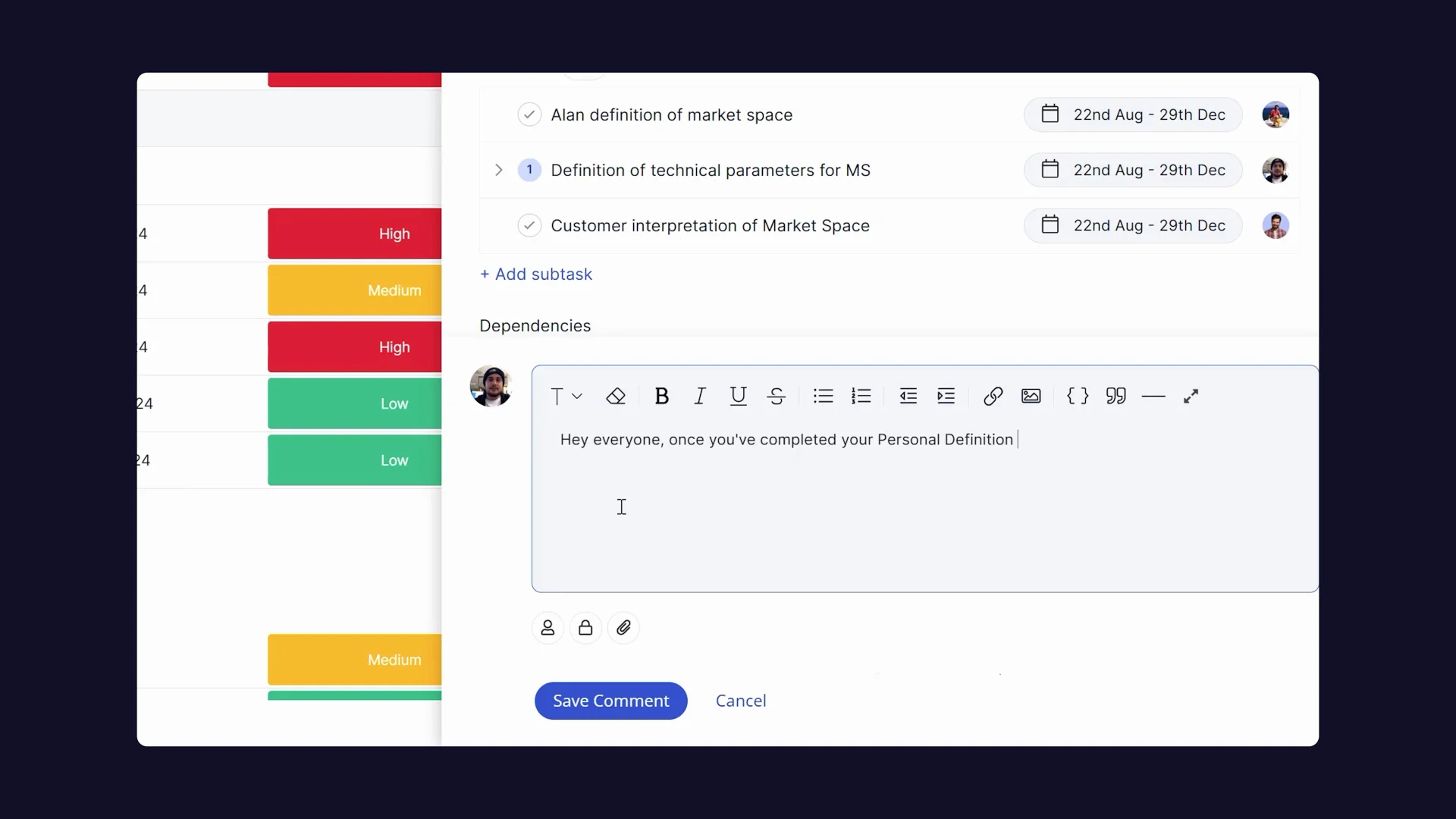
Thumbnail image for the video: How to Make Project Management Software Part of Your Team Culture

Proven Excellence, every year.

Don't just take our word for it. Approved by experts, loved by users. That’s a win-win.

G2 Strip